
Keyboard clipboard overlay
Choose the next paste without losing the app behind it.
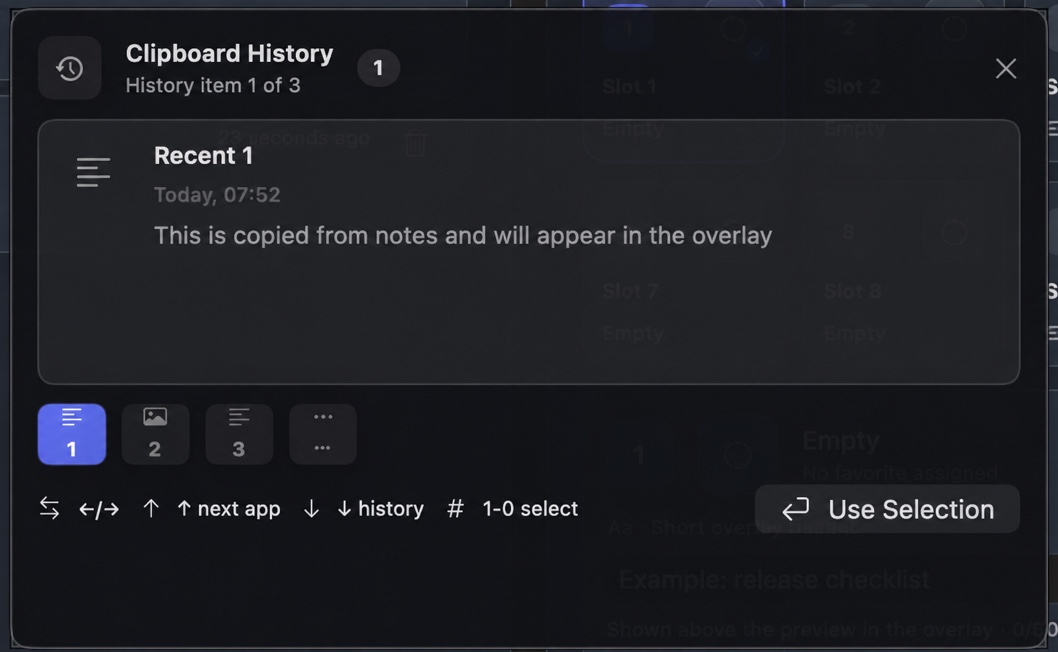
Open the overlay, navigate with arrows or number keys, inspect the selected item, and return to the app that was active before the overlay appeared.
Step 1
Open recent history over the task in front of you
Brendan uses the overlay while moving between Terminal, an editor, documentation, and AI agents. The previous target remains the destination while the overlay provides a short, searchable recovery path.
Step 2
Use shortcuts you can explain and revoke
Global shortcuts and overlay navigation depend on Input Monitoring. User-triggered automatic paste depends on Accessibility. Both can be disabled, and manual paste remains available when a destination rejects automation.
Troubleshoot the overlay and paste path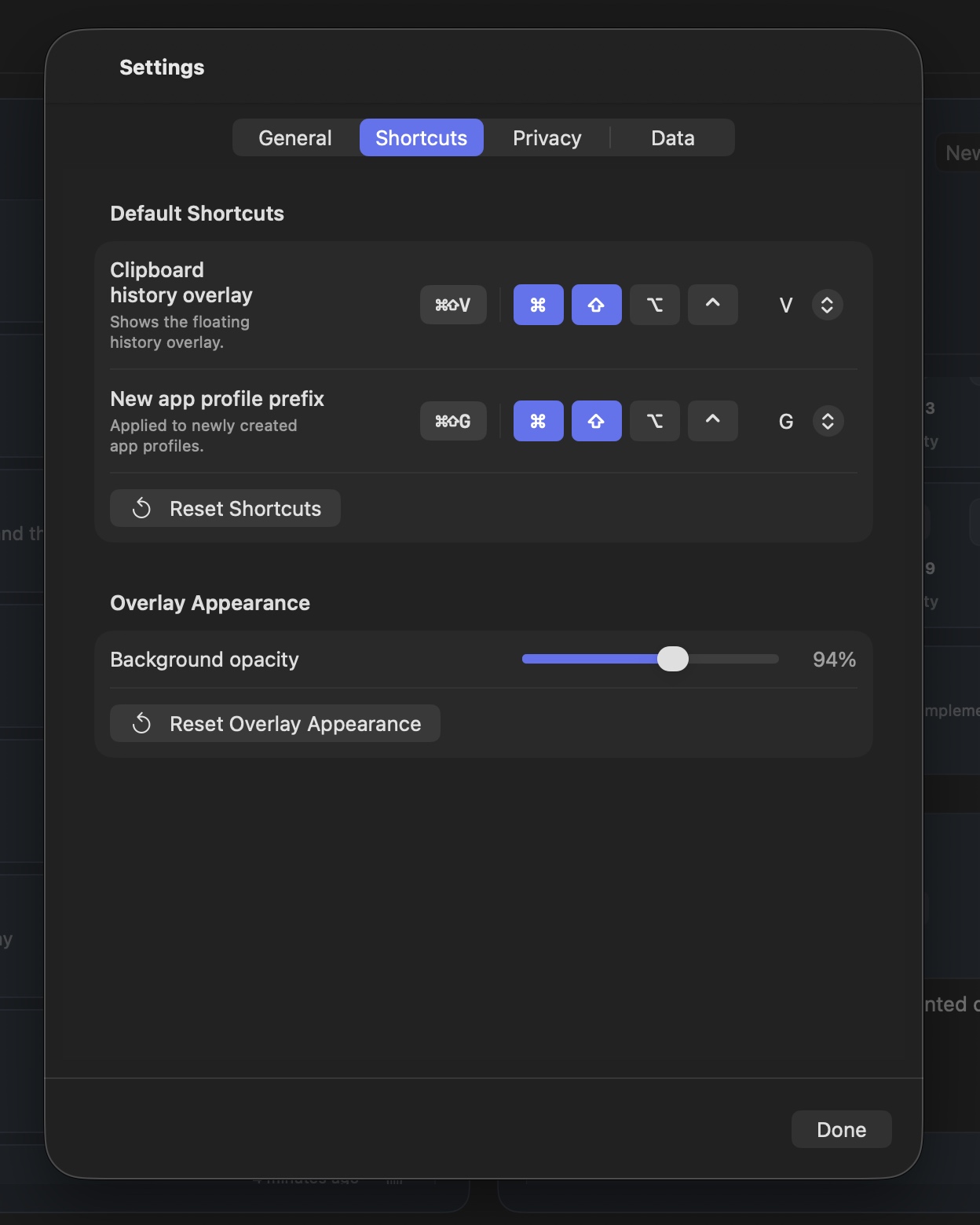
Use the browser walkthrough without touching your real clipboard.
The demo is a safe simulation: it does not read, store, or automate the Mac clipboard.