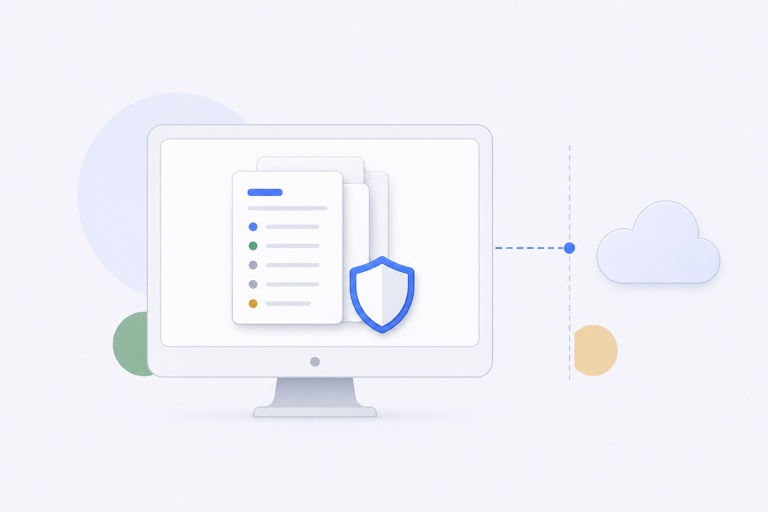
“Encrypted clipboard history” can sound like every part of the app becomes unreadable until you enter a password. That is not how a useful local clipboard interface normally works.
WhatTheClip protects the managed payload files that contain the reusable content. It separately keeps local metadata needed to list, identify, sort, and deduplicate those items.
What counts as a payload
A payload is the reusable content behind a history item or favorite:
- The bytes of a text clipping.
- Image data.
- A managed copy of a local file.
- The original filename needed when a stored file is prepared for paste.
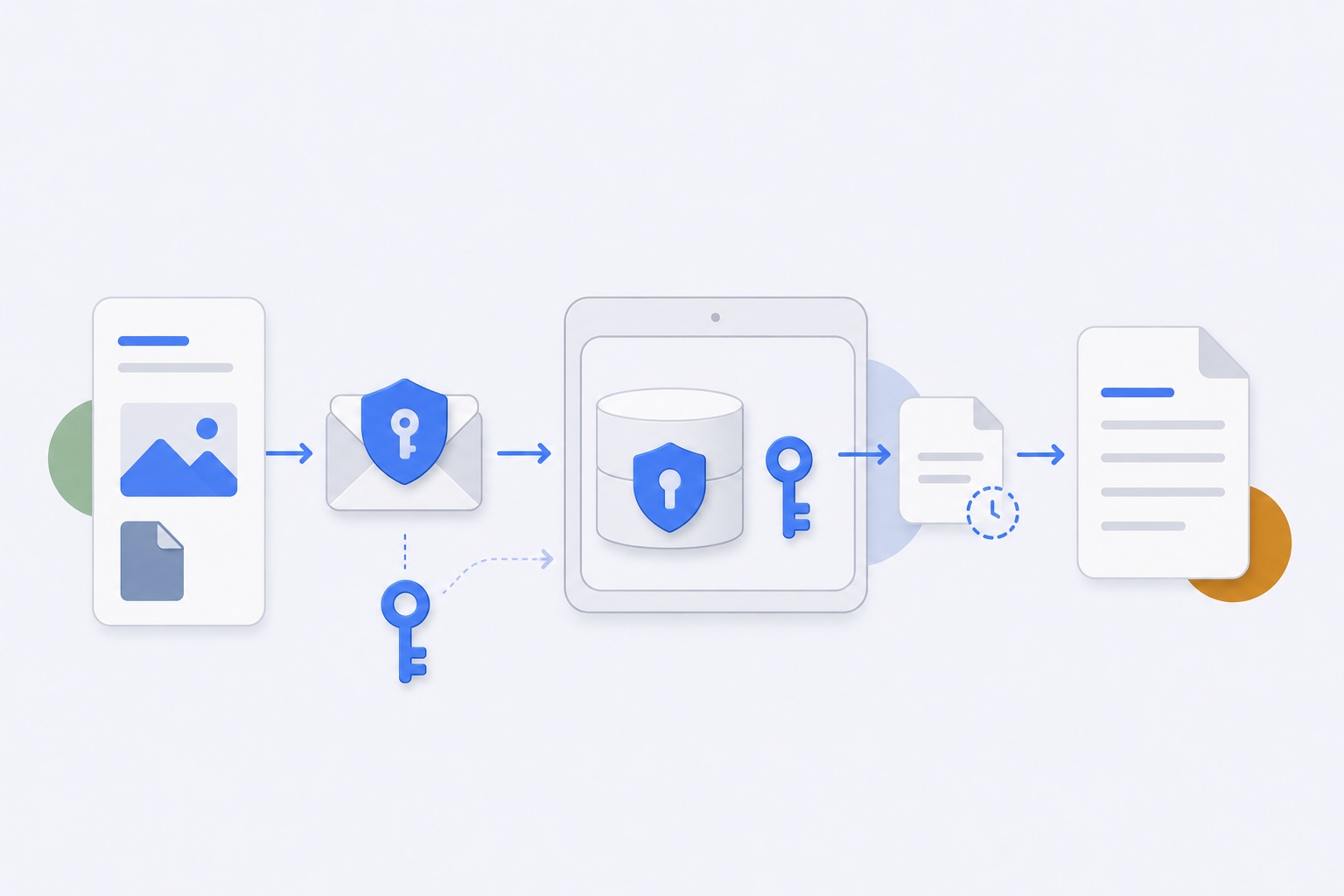
Before a payload is written to managed storage, WhatTheClip encrypts it using AES-GCM.
Why AES-GCM
AES-GCM is an authenticated-encryption mode. It protects the confidentiality of the payload and includes an authentication tag used to detect whether the encrypted data has been modified.
The stored envelope contains the information needed to decrypt the file correctly, including a version, payload type, original filename, byte count, nonce, ciphertext, and authentication tag.
It does not contain the secret encryption key.
Where the key lives
The root payload-encryption key is stored as a dedicated item in macOS Keychain. It stays with the local Mac user account rather than syncing as a portable password.
The app asks Keychain for that specific key when encrypted storage needs to be unlocked. It does not scan unrelated passwords or credentials.
Keeping the key separate from the encrypted payload directory means copying only the payload files is not enough to read their contents.
What remains visible
WhatTheClip's local database stores metadata such as:
- Title and short preview.
- Payload type.
- Created or updated time.
- Profile and slot relationship.
- Managed payload path.
- Byte count and fingerprint.
That information makes history usable and helps detect duplicates. It also means a title or preview can reveal part of copied text.
The privacy promise should therefore be precise: managed payload files are encrypted at rest; local metadata and on-screen previews are not made invisible.
What happens when a file is pasted
Another app cannot paste an encrypted WhatTheClip envelope as though it were the original file. WhatTheClip decrypts the stored payload and creates a temporary materialized file with a safe filename.
That temporary file exists for the paste transaction. The app removes it after use and also cleans stale temporary material during normal cleanup.
Text and image payloads can be placed directly onto the macOS pasteboard after decryption.
Migration and older payloads
The payload layer can recognize whether stored data already uses the encrypted envelope. Older local payloads can be migrated into the encrypted format when needed.
A migration should never be described as complete only because the interface says “Encrypted.” The reliable check is whether the actual managed payload file matches the encrypted envelope and can still be decrypted with the Keychain-backed key.
What encryption cannot solve
Payload encryption does not prevent:
- The source app from keeping the original content.
- The destination app from storing what you paste.
- A visible preview from being seen on your unlocked Mac.
- Another clipboard tool from reading the active system clipboard.
- A screenshot from capturing on-screen content.
Encryption protects one important storage boundary. Good privacy also depends on bounded history, clear metadata disclosure, deletion controls, stable app identity, and sensible permission use.
Read the full Privacy Policy for the current product boundaries.
How to read this promise in practice
The useful claim is not “nothing can ever be seen.” Clipboard content has to be available to the person using the Mac, and the destination app receives anything they choose to paste. The narrower and more meaningful claim is that managed payload files are protected while stored locally, with the key kept separately in the user’s Keychain.
That is why the surrounding controls matter. A bounded history limits how much material stays around. Clear-data controls give you a deliberate exit. Preview and metadata disclosure tell you what may remain visible inside the app. Permissions describe how an item gets from the overlay back to the app where you were working.
If any of those boundaries are important to your work, test them with harmless content first. A privacy feature is easier to trust when you can see both what it does and what it deliberately does not promise.