
Reusable clipboard favourites
Save what you reuse. Let recent history stay recent.
Favourite slots hold deliberate working material—text, images, or local files—without turning temporary clipboard history into a permanent archive.
Step 1
Choose a favourite you can recognise before using it
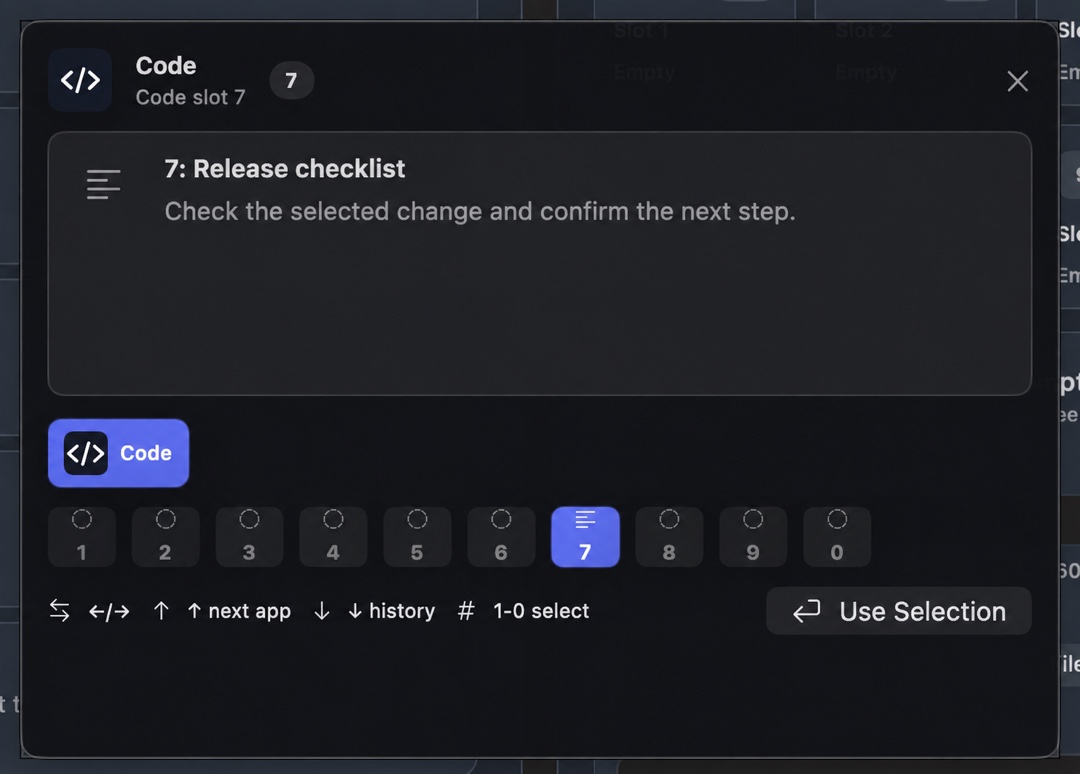
The overlay shows the active profile, numbered slot, item type, and selected material. That makes a saved favourite a deliberate choice rather than another item buried in a long history list.
Step 2
Keep the source of truth somewhere durable
A favourite is a convenient working copy, not the authoritative home for a document, credential, policy, or source file. Update the real source first when approved material changes.
Read the storage boundary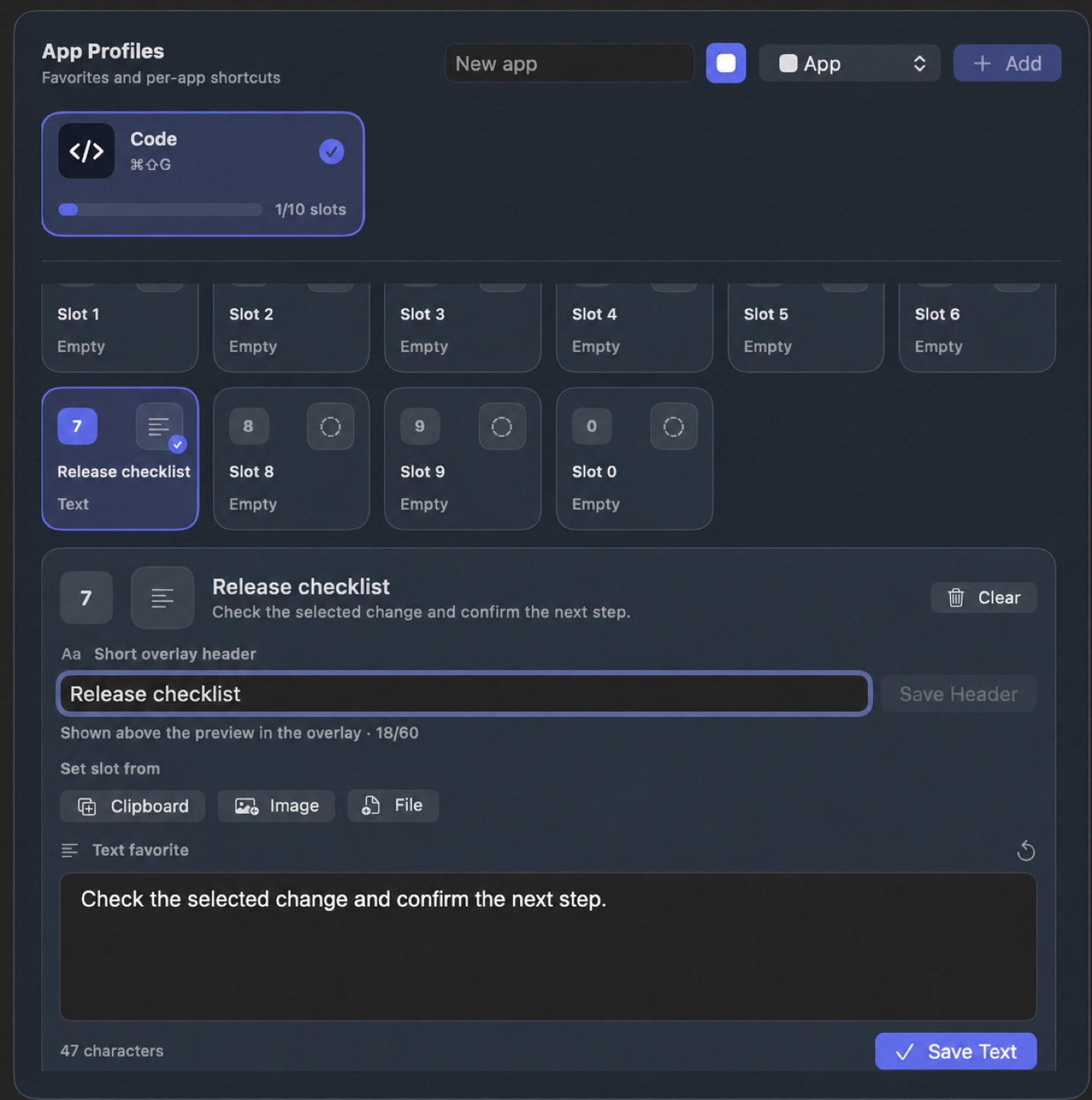
Try the difference between recovery and reuse.
The safe walkthrough demonstrates recent history first, then a saved Support favourite.