Clipboard history feels like a backup when it recovers something you thought was gone. That useful moment can create the wrong expectation.
A backup is designed for durable recovery, retention policy, verification, and restoration after failure. Clipboard history is designed for speed during active work.
History is intentionally bounded
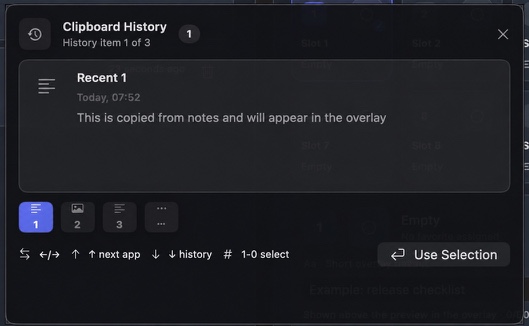
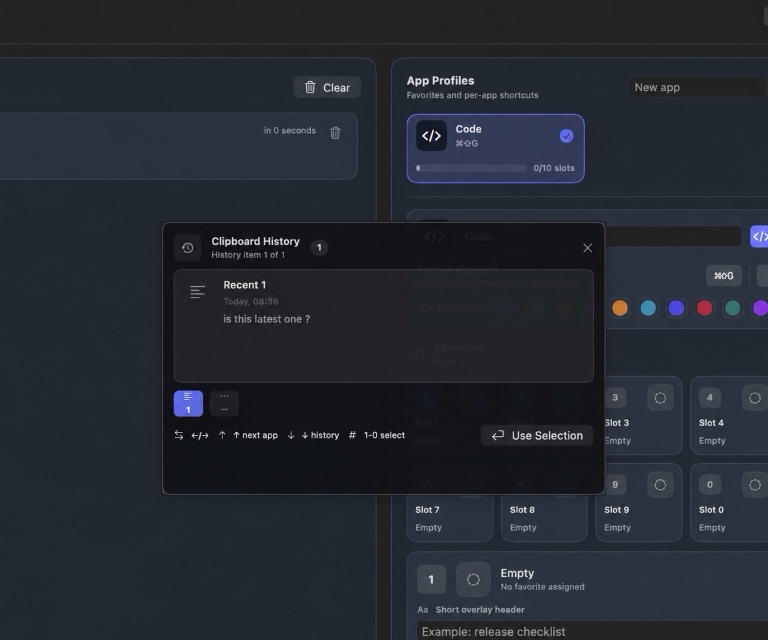
WhatTheClip keeps a configurable number of recent items rather than an unlimited archive.
When new items arrive beyond the limit, older items are pruned. That is correct clipboard behavior and incorrect backup behavior.
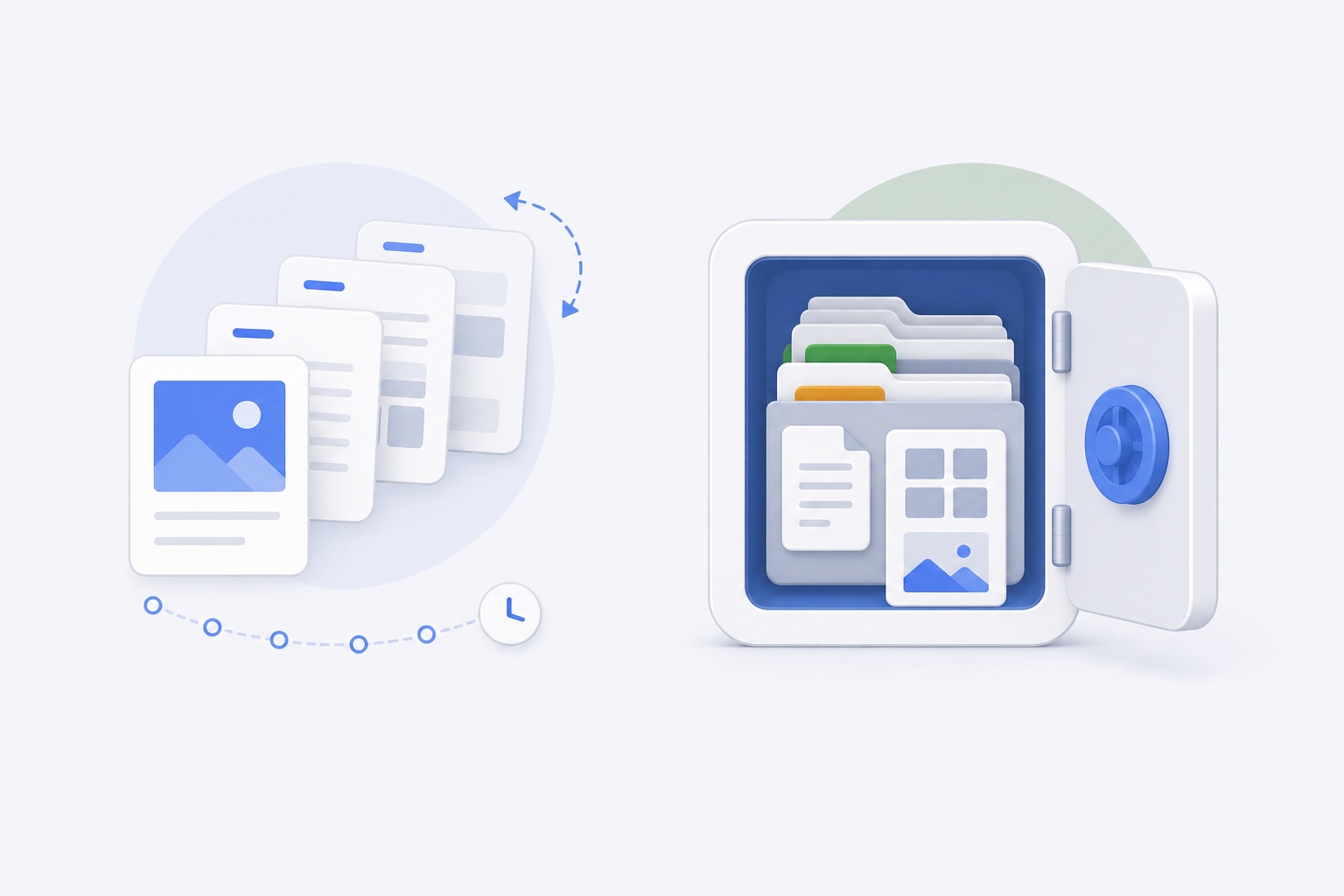
If something needs to survive indefinitely, move it to the system where it belongs:
- Documents into versioned document storage.
- Code into source control.
- Photos and design assets into an asset library.
- Credentials into a password manager.
- Business records into an approved record system.
A copied file can have two meanings
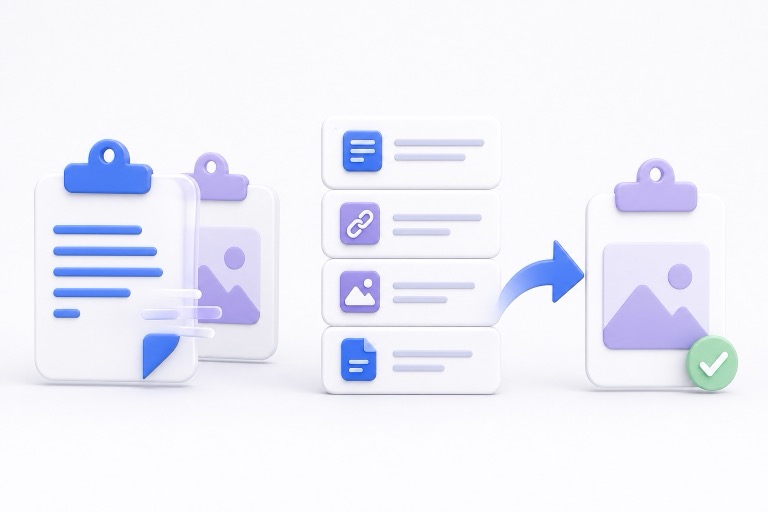
Some clipboard entries are file references. Others become managed local payload copies.
A reference can stop working if the original file is moved, deleted, unmounted, or no longer accessible. A managed copy is more self-contained, but it still lives inside local application storage and follows the app's deletion and compatibility boundaries.
Neither should replace the authoritative source file.
Local encryption is not redundancy
Encryption protects stored payload files from being read without the local key. It does not create another verified copy of the data.
An encrypted file can still be:
- Deleted.
- Corrupted.
- Pruned from history.
- Made inaccessible by a lost local Keychain key.
- Removed during an explicit data clear.
Confidentiality and durability solve different problems.
Favorites are reusable tools, not archives
Favorite slots keep repeated content around longer than recent history. They are a good home for a reusable reply, current logo, project link, or common snippet.
They still need maintenance. A favorite can become outdated, refer to an old file, or contain wording that is no longer approved.
Keep the authoritative original elsewhere and treat the favorite as a convenient working copy.
Uninstall behavior can be conservative
WhatTheClip's default uninstall preparation preserves local data so removing the app bundle does not automatically destroy history and favorites.
That is a safety choice, not a backup guarantee. The preserved data still depends on the local user account, app identity, Keychain key, and compatible product code.
If you want the data removed, use the separate Clear Local Data action before uninstalling. That action removes history, app profiles, favorite slots, managed payload files, and custom profile logos.
Use a two-level habit
A simple rule keeps clipboard history useful:
- Temporary or recently copied: leave it in bounded history.
- Repeated but replaceable: save it as a favorite and keep the original elsewhere.
- Important or irreplaceable: store it in a real durable system immediately.
Clipboard history should reduce interruption, not become a hidden dependency.
The right promise
The honest product promise is recovery convenience: find what you copied, reuse repeated items, and return to your workflow quickly.
The promise should never be that the clipboard is the only place you need to keep important work.
See how a clipboard manager improves an everyday Mac workflow for the active-work side, or create app-specific clipboard workflows when you need a focused set of reusable favourites.
Read the Terms of Use for the current product boundaries.
A quick example: the “only copy” trap
Imagine you trim a customer quote in a document, copy the original wording so you can compare it later, and then copy three other things. If the original exists only in clipboard history, you have quietly turned a convenience feature into the sole record of work that matters. That is a fragile place to be, even if the history is encrypted and still visible today.
The safer habit takes only a moment: put the approved wording in the document, project system, or notes location where someone can find it tomorrow; use the clipboard to move it around today. The same rule applies to a file you intend to send. Keep the real file in its project folder and treat a clipboard file entry as a shortcut back to it.
This boundary is especially useful when you work across clients, accounts, or devices. It keeps clipboard cleanup simple and makes it much easier to tell the difference between active material and a record you are responsible for keeping.