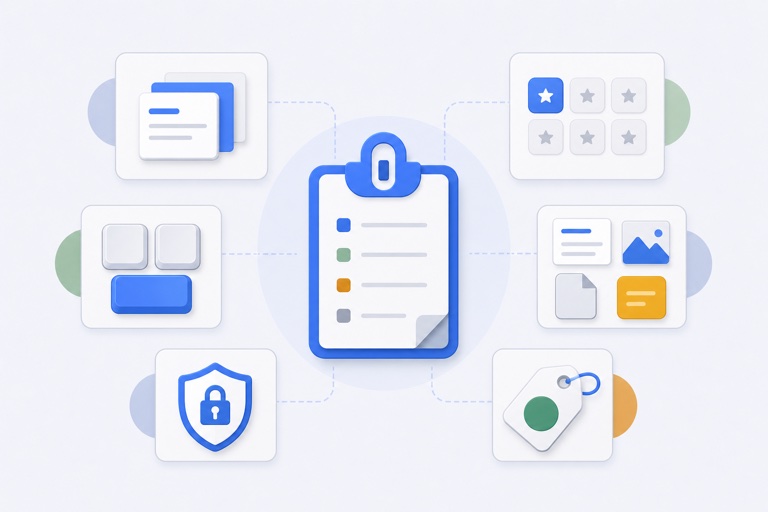
A clipboard manager for designers is useful in the space between tools: a reference image copied from a browser, a handoff link from a project board, approved copy from a document, or a review note you need to paste into several places. It should speed up active work without becoming an accidental asset library.
Design work creates short-lived but useful copies
You may move from a browser to a design tool, then to a handoff document, chat, and a project board. The clipboard is often the bridge. When another copy replaces the one you needed, the interruption is usually small—but it happens often enough to break focus.
Recent history solves the immediate recovery problem. Reusable favourites help when the same handoff message, brand link, or approved wording comes back throughout a project.
Three places a focused clipboard workflow helps
References during an active review
Copy a visual reference, feedback link, or short piece of approved copy while reviewing an in-progress screen. The purpose is speed during the review, not permanent preservation. Keep the original image and design file in the asset library where it belongs.
Repeat handoff material
Project links, accessibility reminders, delivery notes, and current brand references can be reused across a handoff. Name them clearly and remove them when the project changes.
Working across tools without losing focus
The useful test is whether you can return to the task quickly after choosing the item you need. A keyboard-led overlay can be a better fit than hunting through a floating utility window when you are already deep in a layout or review.
Images are not a backup strategy
Clipboard image history can be handy for a temporary reference. It should never replace the original artboard, exported asset, or source file. Keep important material in the design system, cloud drive, or project repository designed to preserve it.
WhatTheClip is intentionally a local working tool rather than a cloud archive. Read clipboard history without cloud sync if that boundary matters to your process, and review the privacy policy before enabling clipboard capture for real work.
Decide by workflow, not feature count
Use Apple Clipboard History or Maccy if quick recovery is all you need. Use a broader cross-device option when your clipboard needs to move between a Mac, iPhone, and iPad. Use a focused local workflow when repeated handoff material and task-specific favourites are the real source of friction.
The best free clipboard manager guide and WhatTheClip vs Paste comparison explain those trade-offs without pretending one answer fits every designer.