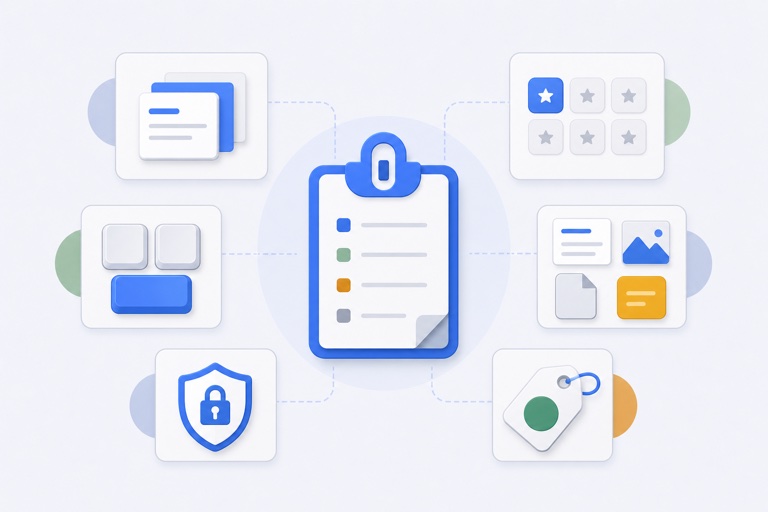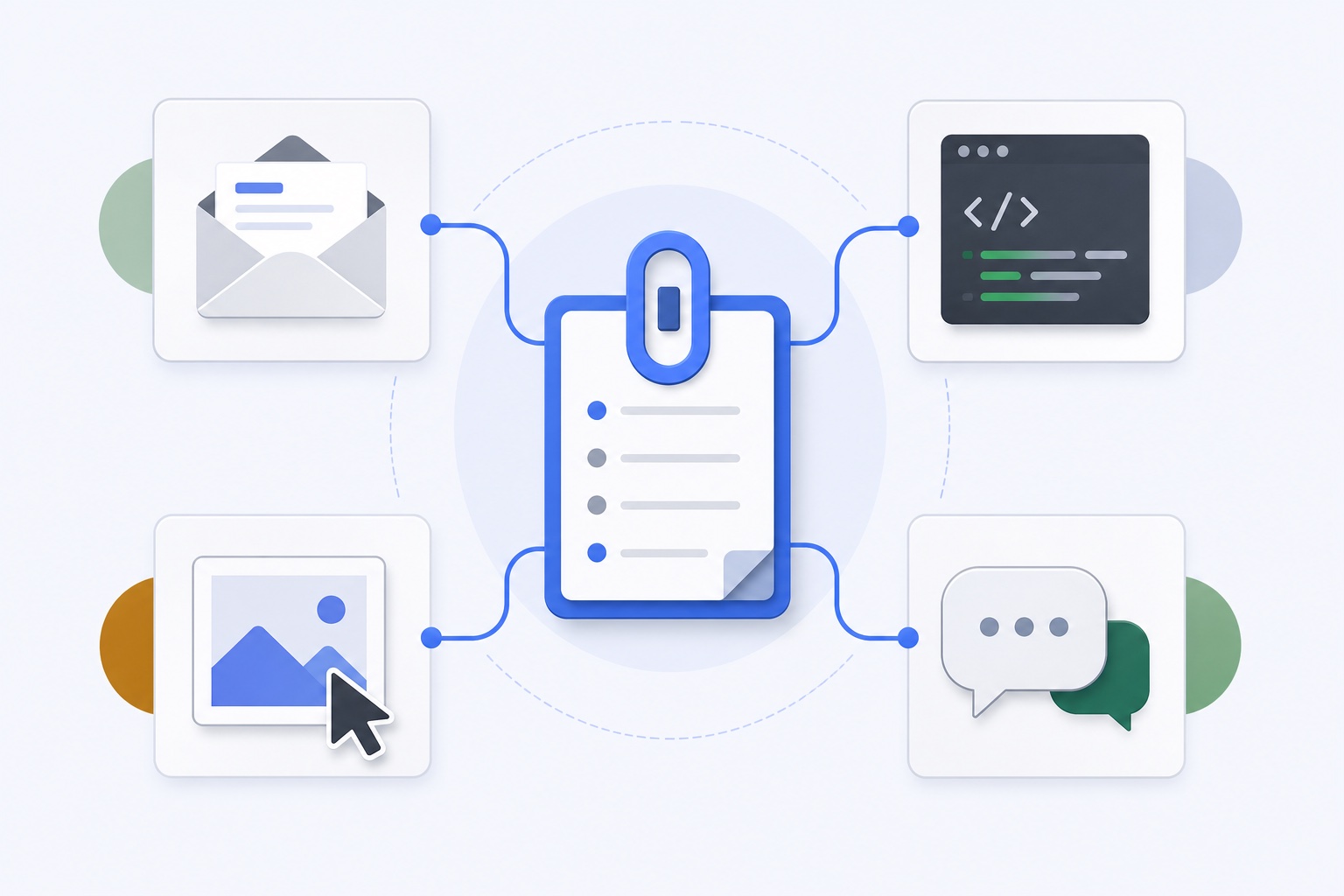
Recent clipboard history and reusable clipboard content solve different problems.
History helps you recover something you copied recently. App-specific favorites help you reuse material that belongs to a repeated workflow. Mixing both into one long list makes the useful items harder to find.
Start with one repeated task
Do not begin by saving everything. Pick one app and one task you repeat several times a week.
Good candidates include:
- A follow-up reply in Mail.
- A review comment in a code editor.
- A product link in a browser.
- A logo or screenshot in a design tool.
- A support answer in a help desk.
If the item saves only a few seconds but appears dozens of times, it is a strong favorite-slot candidate.
Give the profile a job, not just an app name
An app profile can be broad, such as “Mail,” or task-focused, such as “Client follow-ups.”
Task-focused names are often easier to scan when you have several profiles. The profile should tell you what the saved slots are for before you inspect each slot.
Use clear slot titles as well. “Invoice payment reminder” is more useful than “Text 3.”
Mix payload types deliberately
A practical profile may contain more than text:
- Slot 1: a short reply.
- Slot 2: a longer email template.
- Slot 3: a product URL.
- Slot 4: a logo file.
- Slot 5: a screenshot used in onboarding.
Keeping the content together by workflow matters more than forcing every slot to have the same type.
Example: Mail follow-ups
A Mail profile could hold:
- A polite follow-up after two business days.
- A request for missing information.
- An invoice-payment reminder.
- A scheduling link.
- A standard signature block for a specific project.
The goal is not to automate the whole conversation. It is to remove the repetitive parts while you keep control of the message.
Always review the selected text before sending it. A favorite is reusable content, not permission to ignore context.
Example: code review
A coding profile could include:
- A request for a reproducible test case.
- A short explanation of why a change needs regression coverage.
- A pull-request checklist link.
- A common terminal command.
- A review comment about accessibility or error handling.
Code snippets and commands deserve extra care. Confirm the destination, project, and environment before running anything pasted from a favorite.
Example: design handoff
A design profile could include a logo file, product screenshot, approved campaign copy, asset folder reference, and the link to the current design source.
This reduces time spent searching across Finder, chat, email, and browser tabs during a handoff.
Keep the profile small enough to remember
The quickest overlay is the one you can use without reading every item. Start with three to five slots. Add another only when a repeated need becomes obvious.
Review profiles occasionally:
- Remove stale offers, links, and wording.
- Replace assets when the approved version changes.
- Rename vague slots.
- Delete profiles that no longer match a real workflow.
Clipboard favorites work best as a curated toolbelt, not a second archive.
Use history for recovery and favorites for intent
That distinction keeps the system calm:
- History is recent and automatically bounded.
- Favorites are deliberate and stay until changed.
- The overlay is the fast path back into the active app.
For the broader picture, see how a clipboard manager improves an everyday Mac workflow. For the storage boundary, read why clipboard history should not be treated as a backup.
Explore the current product structure on the WhatTheClip homepage.
A profile should save you a decision
The test for a good profile is simple: when it opens, you should know what to choose without rereading every entry. A “General” profile with twenty unrelated fragments usually fails that test. It asks you to sort the work at the exact moment you were trying to move faster.
Try naming profiles after the job rather than the software. “Monday client follow-ups” tells you more than “Mail”; “release notes” is more useful than “Writing”. The app can still be the place where you paste, but the profile name should describe why the saved items exist.
There is also value in leaving a slot empty. Do not fill every available space because it is there. An empty slot is room for the next repeated task you notice. That makes the profile feel like a small workbench rather than an archive you need to maintain.
Before saving a new favourite, ask three questions: Will I use this again soon? Is the original stored somewhere sensible? Will the title make sense in two weeks? If the answer is no, let recent history do its job instead.