WhatTheClip vs Paste: a local-first Paste alternative for Mac
Compare a synced clipboard across Apple devices with a bounded local Mac workflow for repeat paste work.
Read article
Practical guides for recovering recent copies, building faster workflows between apps, choosing the right clipboard manager, and understanding privacy and permissions.
Topics covered
Page 2 of 3
Compare a synced clipboard across Apple devices with a bounded local Mac workflow for repeat paste work.
Read articleA better clipboard workflow is not about storing everything forever. It helps you recover recent copies, keep repeated material intentional, and return to the work in front of you.
Read articleIf the Mac clipboard was overwritten, recovery depends on what was already saved. Start with clipboard history, Undo, and the original app—then prevent the next loss.
Read articleThe best Mac clipboard manager depends on whether you need free history, cross-device access, or a private repeat-paste workflow. This shortlist explains the trade-offs.
Read articlemacOS Tahoe adds clipboard history to Spotlight. Here is the fast keyboard path, the privacy setting to understand, and the point where a dedicated workflow becomes useful.
Read articleClipboard history can be useful without becoming another cloud data source. The important part is knowing exactly what is stored and where.
Read articleAccessibility and Input Monitoring sound broad because macOS protects broad capabilities. A trustworthy clipboard utility should explain the narrow job behind each one.
Read articleThe best reusable clipboard is not one giant list. It changes with the app and keeps only the material that belongs in the current task.
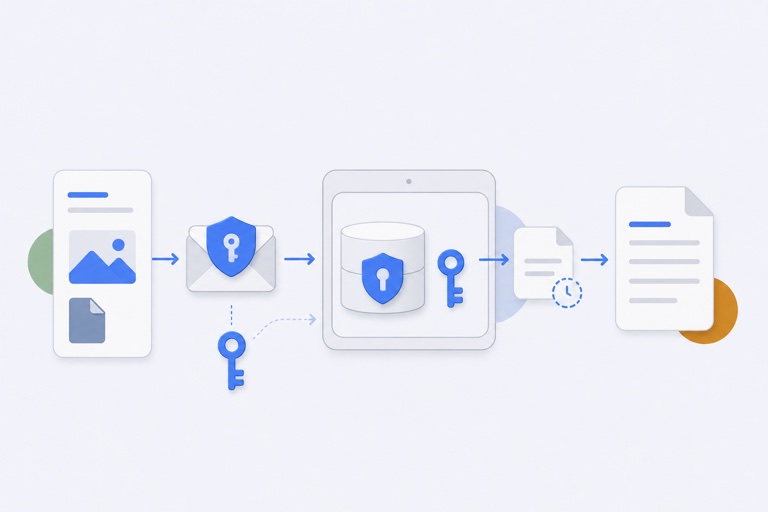
Read articleEncryption is most useful when its boundary is specific. WhatTheClip protects managed payload files while keeping enough local metadata visible to make history usable.
Read article